With 10+ years of experience designing learner-centered training for high-stakes, complex subject matter, I focus on building impactful learning for the corporate sector. My approach combines clear communication, scenario-based instructional design, and strategic use of technology — from Articulate 360 and Adobe Captivate to Synthesia AI voiceover and AI-assisted prototyping — to create content that aligns with real-world challenges and business goals.
In this portfolio, you'll find examples of:
🧭 Curriculum designed for adaptability across audiences, contexts, and delivery formats.
🎯 Instructional content that bridges pedagogy and performance rooted in learning theory, built for results.
🌍 Learning experiences informed by global perspective and shaped by cross-cultural teaching and classroom-tested pragmatism.
📷 Photography, PhotoShop, and visual design skills that support my data-informed L&D work through compelling visuals.
🔬 Data-informed L&D initiatives with every phase rooted in purposeful analysis of feedback, assessment data, and learner impact.
Interactive Learning Modules & Lessons

Freeman Industries Training Module (Adobe Captivate)
A scenario-based training module built with Adobe Captivate, focused on proper PPE use and industrial safety compliance. Includes branching navigation, custom visuals, and AI-generated voiceover (Synthesia).
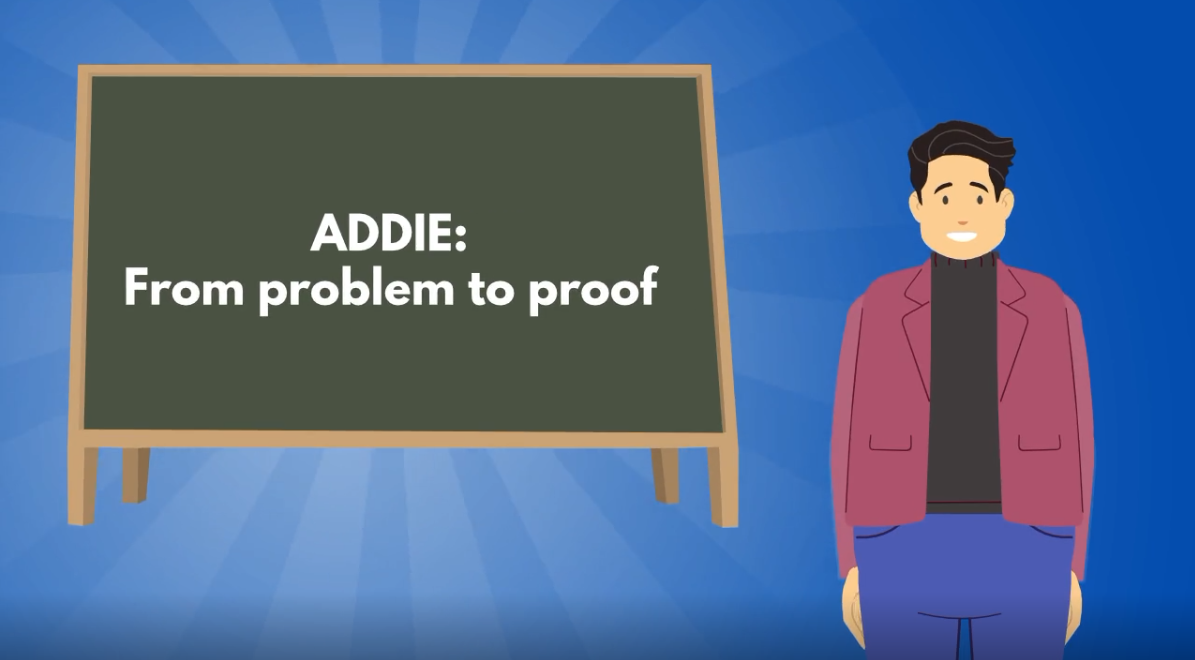
ADDIE: From Problem to Proof (Vyond and Claude)
A 90-second overview of the ADDIE model, scripted and edited with Claude's help, produced in Vyond. Captioned for accessibility, and built alongside a web-based prototype of the same script as a working comparison of when to use either a produced video or a more interactive approach.
Click the image to see the video in action or "LEARN MORE" to read a design overview.
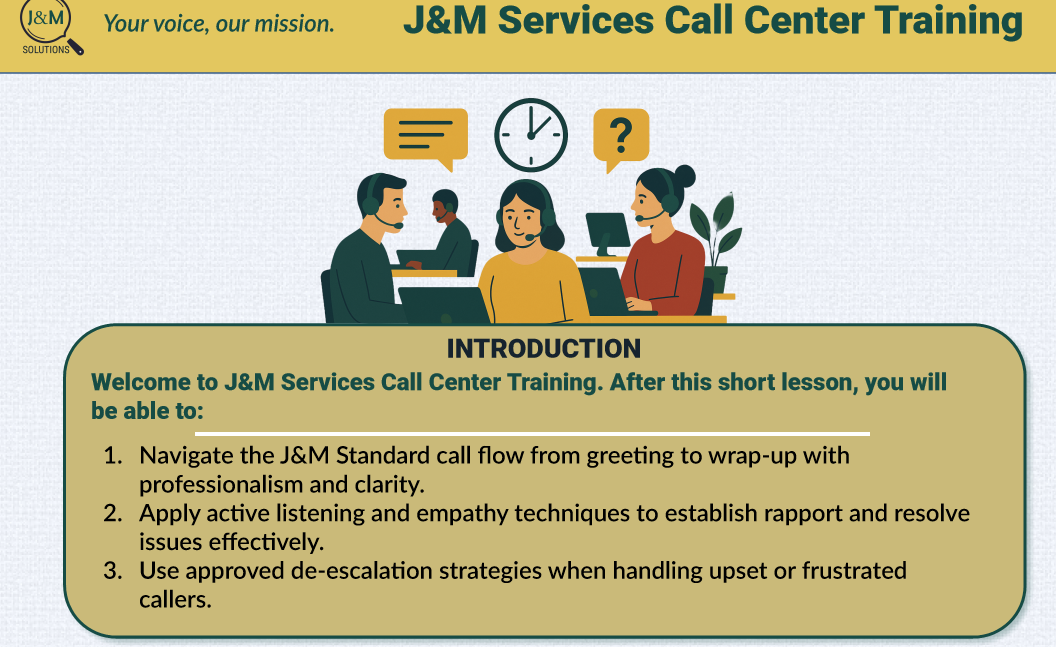
J&M Services Call Center Training Module (Articulate Storyline)
A scenario-based training module built with Articulate Storyline, focused on call flow structure and de-escalation techniques for call center agents. Includes drag-and-drop interaction, branching logic, custom vector visuals, and AI-generated voiceover (Synthesia).
Designed for Learning: Structured Lessons & Interactive Simulations

Verbal DBQ Activity Packet
This activity models structured analysis through collaborative discussion and rubric-aligned performance. It scaffolds critical thinking and evidence-based communication—core competencies in academic and professional settings. Designed to drive engagement and skill transfer, it reflects my focus on outcomes-based learning design.
Click the image to view the PDF.
Learning Support Materials: Job Aids & Handouts

Using MagicSchool AI Thoughtfully: A Job Aid for Educators
Tools: Google Docs, Canva
This quick-reference guide was developed to help educators use MagicSchool AI more intentionally as a lesson-planning and productivity tool. YouTube videos are often used in lessons and having quick questions to use for in class response is a smart move for teachers. This tool helps them do just that.
Click the image to view the PDF.
Selected Work Samples: Data, Research, Writing & Code

Research Report: Cultural Representation in Social Studies Curriculum
Tools: React, TypeScript, OpenAI API, TailwindCSS, Vite, Bun, Lucide, ShadCN UI
This project began as a graduate capstone in curriculum studies, exploring the barriers U.S. social studies teachers face when accessing and implementing non-Western content, especially in AP and IB courses. As a response to the findings, I prototyped an AI-powered lesson curator to help educators discover aligned resources more easily.
The study used Qualtrics XM for data collection and Excel for analysis, and can be viewed by clicking the image of the map or the button.
You can learn more about the prototype app and view the GitHub repo by clicking the button.
Visual Design & Photography


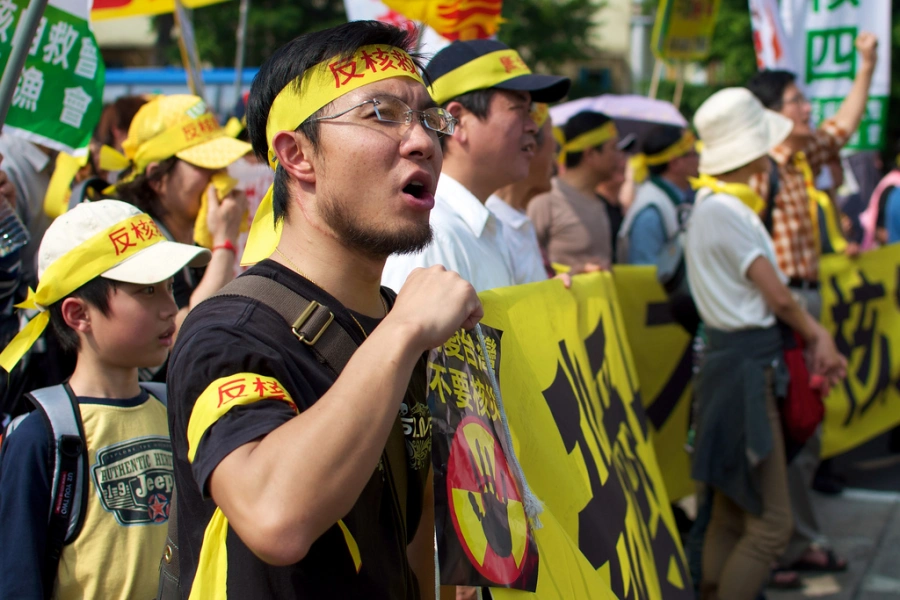
Photography in Taiwan
Tools: Nikon cameras and lenses, Adobe Lightroom, Adobe PhotoShop, WordPress.org
While living and teaching in Taiwan, I developed a deep interest in photography and photo processing. I ran a self-hosted WordPress.org blog (now archived on WordPress.com) where I shared my work and reflections.
This experience helped me grow not just technically by learning camera mechanics and editing workflows but also narratively, as I learned to document cultural, political, and social moments through visual storytelling.
Click on each photo to learn more. An external link to my Flickr will open. For additional work, explore the links to external portfolios.